Relive your camera roll. Clean it as you go.
deja deals you a moment from your past — a week last spring, a night three years ago — to relive photo by photo, like a story. Mark what you don't need along the way, and clear it all at once.

Free on the App Store · iPhone, iOS 18 or later
Try it here
Relive a day in 30 seconds
This is how deja feels, with sample photos. Tap through the day, ♥ what you love, and mark what you don't need.






A day from your past
Marked for deletion
Tap the right side for the next photo, the left side to go back.
In the app, this is iOS's own confirmation, once for the whole batch.
Sample photos. In the app, deja reads your own library, on your iPhone.
One gesture for two jobs
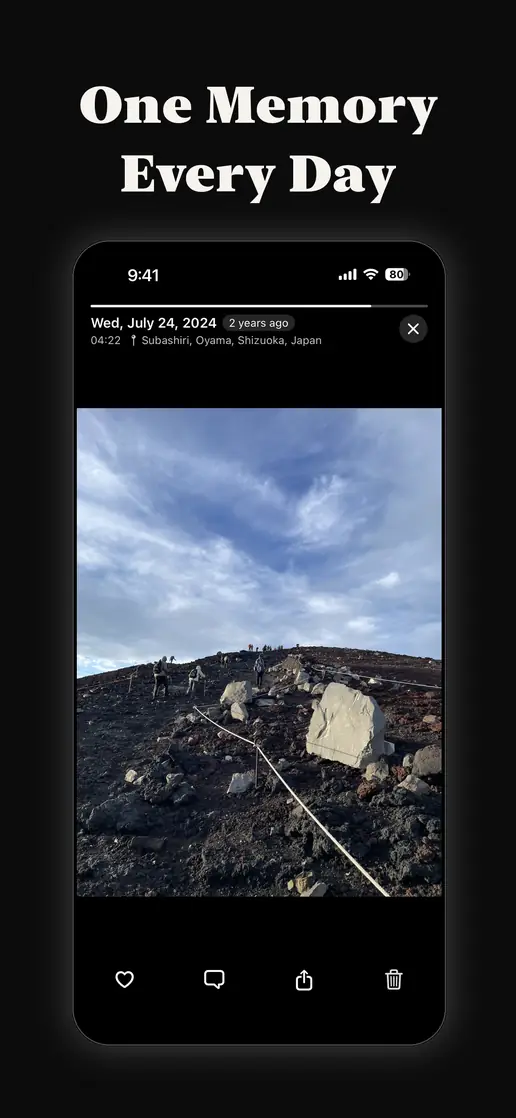
Relive, don't scroll
Your photos come back full screen, one at a time: photos, Live Photos and videos, with the date and place they were taken. Hold to pause. Swipe up to leave a note.
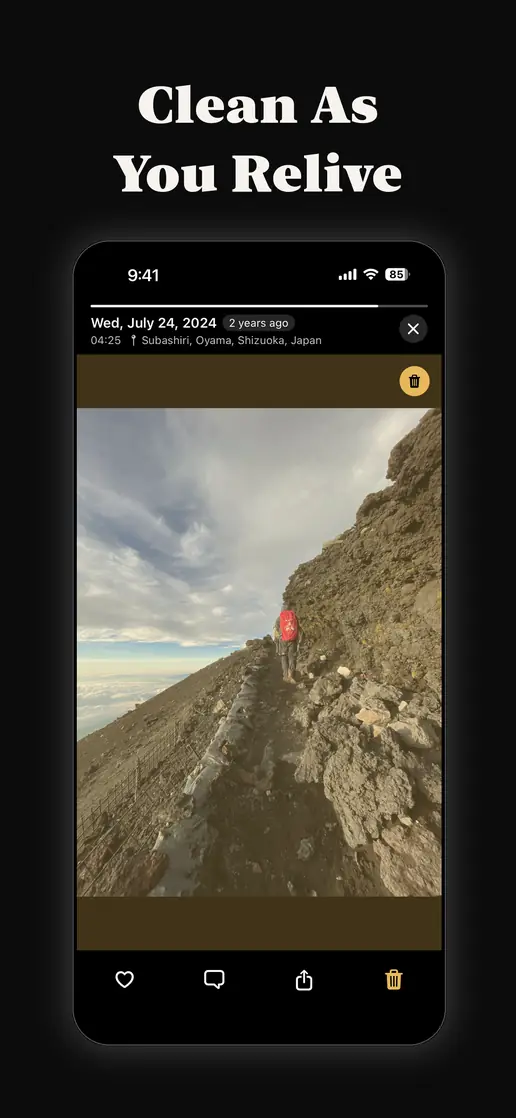
Clean as you go
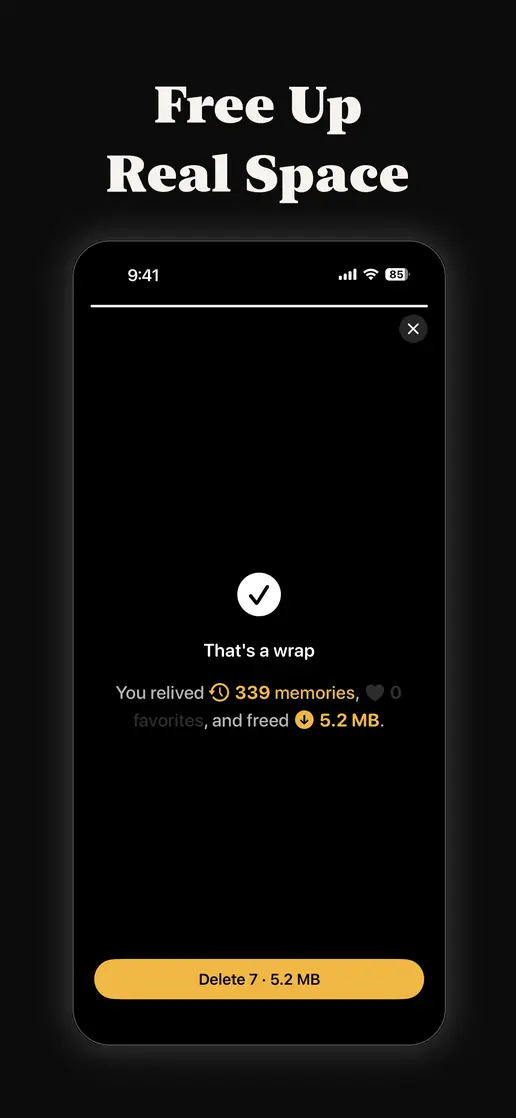
Tap the trash to mark the blurry, the duplicate and the accidental. At the end, clear them all with one confirmation and see exactly how much space you freed.
A card to keep
Every relive ends on a card built from one moment of that day, captioned with the date, the place and how long ago it was. Share it, or just keep it.
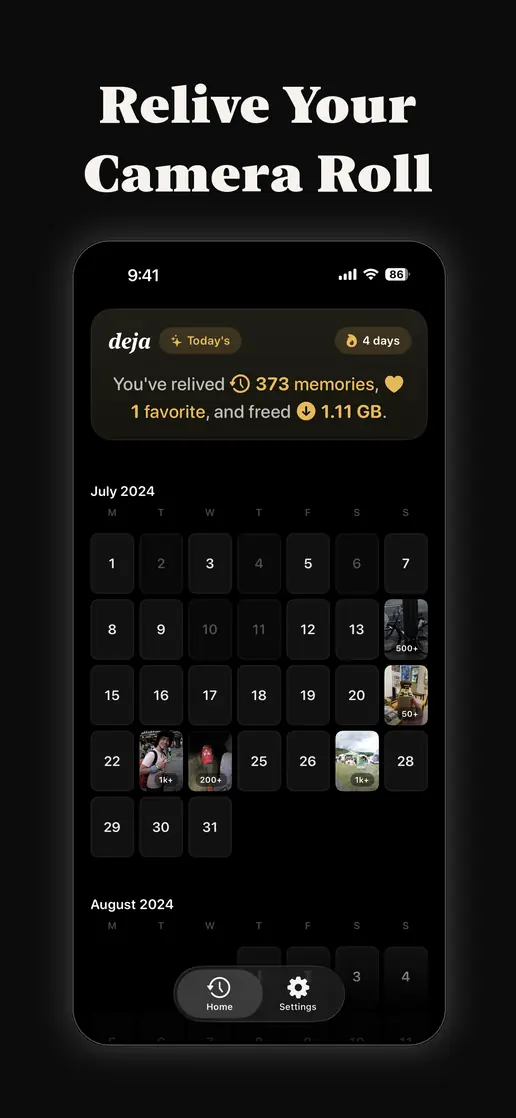
A calendar of memories
Every period you relive leaves a mark on your calendar wall, and the photos you ♥ become its covers. Over time it becomes a map of your life.
On your Home Screen
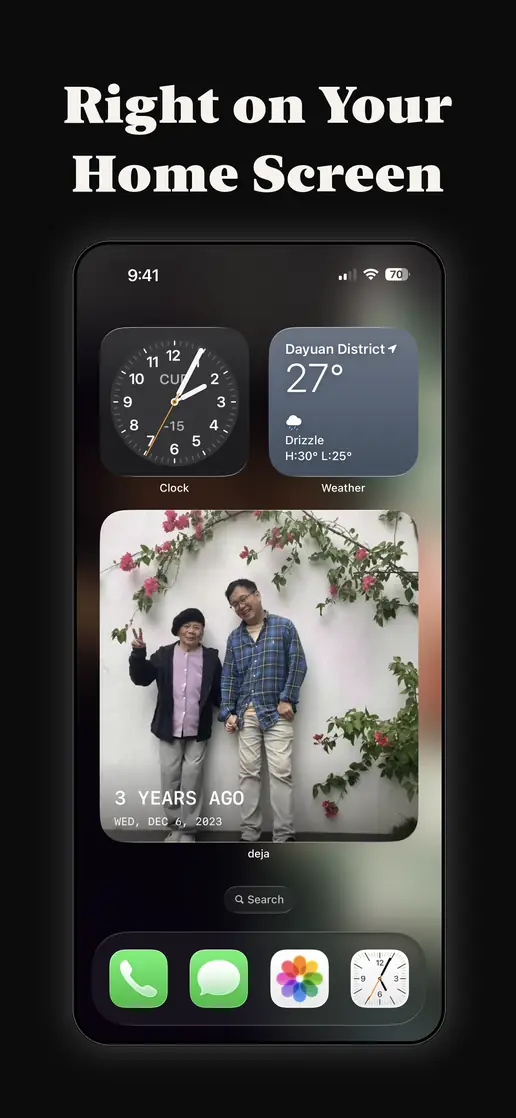
Today's memory waits on your Home Screen, Lock Screen and in Control Center. One tap drops you straight into reliving.
Private by design
deja reads your photo library on your iPhone. Your photos are never uploaded, and there is no account to create.
Inside the app
What people use deja for
Free up iPhone storage, one day of photos at a time
Storage full, but deleting photos feels like a chore you keep putting off.
Clean up your camera roll without grinding through a grid
A camera roll full of blurry shots, bursts, screenshots and pocket photos.
See your old photos again — a day at a time
Years of photos you never look at again.
Today's memory, on your Home Screen and Lock Screen
A photo from your past on your Home Screen, one tap from reliving it.
Delete duplicate photos on iPhone — the copies and the almost-copies
Five shots of the same moment, and exact copies you never meant to keep.
iCloud storage full? Start with your photos
The 'iCloud storage is full' message, and a photo library that keeps growing.
On this day, or any day of your life
The same day in an earlier year — or any other day of your life.
A photo journal you don't have to start from scratch
You wanted a photo diary, but never kept one. Your camera roll already is.
How deja compares
Honest side-by-sides with the apps people usually try first.
deja vs Apple Photos
Memories, Featured Photos and the Duplicates album are built in. What does deja add?
deja vs Slidebox
Swipe-to-sort cleaning versus reliving a day and cleaning on the way.
deja vs Gemini Photos
An automatic scanner and cleaner versus reliving a day and cleaning on the way.
deja vs Timehop
On-this-day posts from your social accounts versus your own camera roll.
Questions
What is deja?
deja is an iPhone app that deals you a day or a week from your past to relive full screen, like a story. While you relive it, you can ♥ the photos you love and mark the ones you don't need, then delete them all at once.
Is deja free?
Yes. Cleaning up is free with no limit. Reliving uses credit, one per photo and each photo only once: you start with 50 and can earn up to 100 more with small tasks in the app. deja Pro removes the limit, as a monthly or yearly subscription or a one-time Lifetime purchase.
Does deja upload my photos?
No. deja reads your photo library on your iPhone and never uploads it. There is no account and nothing is stored in the cloud.
Can I get deleted photos back?
Yes, for 30 days. Photos you delete with deja go to the Recently Deleted album in Apple's Photos app, like any photo deleted on iPhone.
Does deja delete anything on its own?
Never. A photo is only deleted after you mark it, press Delete, and confirm in iOS's own dialog.
Who makes deja
deja is made by TechTech, the one-person app studio of Charles Tseng in Taiwan. Each app does one small thing well, so it can become part of your day.
Also by TechTech
Atomic Learning
Learn a language by ear: hear one sentence a day and type what you hear.
LifeBlocks
Time-block work, rest and everything in between.